
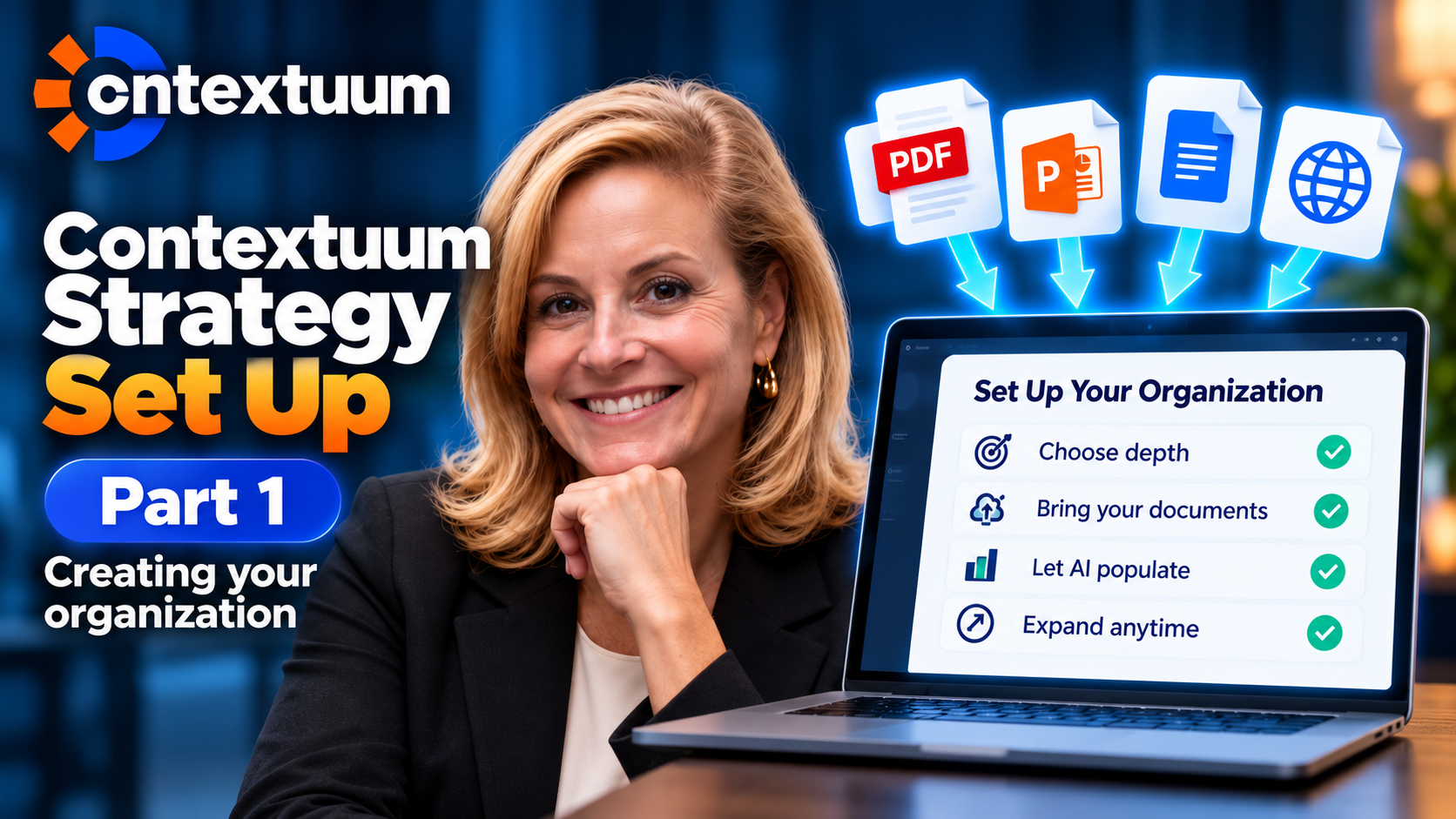
Contextuum Strategy Set Up Part 1 -- Creating your organization
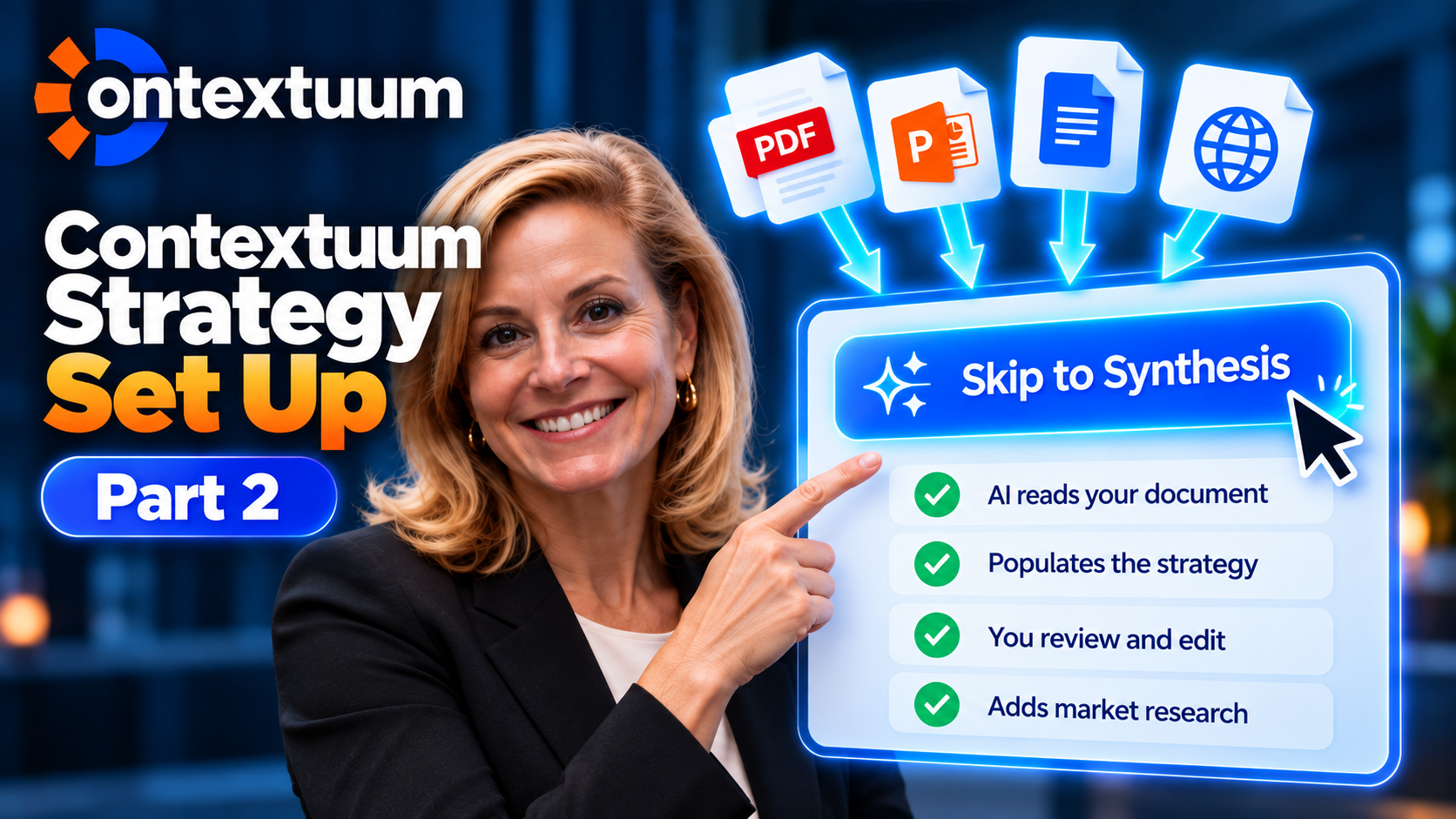
Most strategy software makes you fill in every field by hand. Contextuum founder Amie Devero walks through a setup that instead reads your existing strategy documents and populates the platform for you. After naming the organization, the first real decision is depth: "simple and focused" strips the platform down to a handful of fields, while "structured and clear" unlocks the full system, including tools like the Diamond Mine and Strategic Radar — accessible later by adding back pages that started grayed out. The more consequential choice comes next: upload a PowerPoint, PDF, or a linked Google Doc, and the platform extracts your existing strategy directly into its fields rather than asking you to retype it from scratch. A website URL can substitute if it has enough strategic detail embedded in the copy. The core message: bringing real documents into setup saves substantial manual work later, and the depth setting isn't permanent — it can expand as needs grow. Timestamps: 00:01:05 Choosing simple and focused strips the platform to a handful of fields, while structured and clear unlocks the full system 00:01:27 Pages left out at setup start out grayed out rather than hidden, so you can expand into the full platform later 00:02:23 Uploading an existing PowerPoint, PDF, or linked document lets the platform extract your strategy instead of retyping it manually 00:02:36 A website URL can substitute for a document if it contains enough strategic detail embedded directly in its copy 00:02:45 Bringing real documents into setup up front saves a substantial amount of manual data entry work later in the process
- English (US)






Not Rated Yet